Five B2B LinkedIn communication design examples
April 20, 2026 | 10 min read
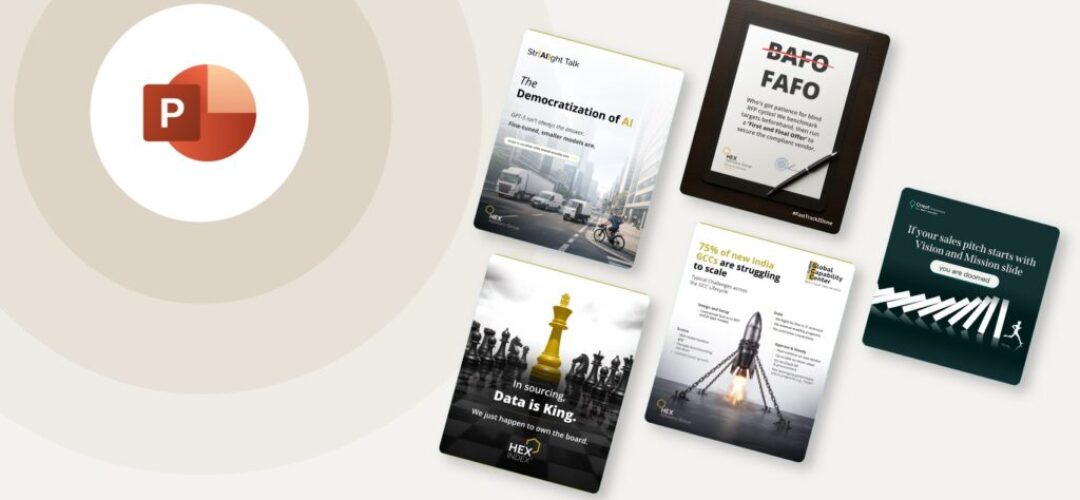
If your LinkedIn content looks like everyone else’s in your category, this post breaks down five real before and after examples and the communication thinking behind each redesign.
Most B2B LinkedIn content is built on borrowed visuals. A Canva template here, an Envato graphic pack there. Everything is technically designed. Nothing actually communicates.
The template industry solved a real problem: not everyone has a designer, and blank slides are worse than bad slides. But it created a different problem nobody talks about. When your firm’s LinkedIn content uses the same layouts, the same icon styles, and the same color-blocked text cards as every other firm in your category, you are not building a brand. You are dissolving into one.
For a consulting firm, a research house, or an advisory brand, this is not a cosmetic issue. Your content is often the first thing a potential client sees before a meeting, before a proposal, before they even know your name. If it looks like it came off an assembly line, that is the impression it leaves.
The fix is not better templates. It is communication design: starting with what you need to say, to whom, and what visual treatment makes that idea land the fastest. The design follows that thinking. Not the other way around.
This blog documents exactly that. Each example shows the raw starting point and the designed output, with a breakdown of the decision behind every change. The before is what client send us. The after is what our B2B communication wizards send back.
This post updates over time. New examples are added as the work grows. Bookmark it if you work in B2B content, presentation design, or brand communication.
Who this is for
If you create content for a consulting firm, advisory brand, research company, or any B2B organization trying to build authority on LinkedIn, this is for you. Specifically:
Marketing and content teams who want their posts to perform better without losing credibility.
Founders and practice leads who post ideas and insights but find the visual side eats into their time.
Designers working on B2B brand content who want to see how communication intent shapes visual decisions.
Why LinkedIn visual design matters in B2B
LinkedIn is where B2B decisions get made, or at least where they start. A procurement lead at a Fortune 500 sees your post between a competitor’s thought leadership and a recruiter’s job ad. You have one scroll to make them stop.
Text-only posts work for personal voices with large followings. For brand accounts and emerging thought leaders in specialized fields, visuals do the heavy lifting. They signal professionalism, make complex ideas scannable, and create something worth saving or sharing.
The problem is that most B2B LinkedIn visuals are either too corporate (stiff slide exports, generic stock images) or too casual (Canva templates with no brand logic). Neither builds the kind of authority that converts a scroll into a conversation.
Good B2B LinkedIn design is not about looking creative. It is about making your thinking visible in a way your audience immediately understands and aspire action.
What we mean by communication design, not just visual design
There is a difference between making something look better and making it communicate better. Most design work in B2B content stops at the first. We are focused on the second.
Communication design asks: what is the idea, who needs to receive it, and what visual treatment makes it land fastest and most credibly? The answer is never just a nicer font or a brand color. It is a choice about hierarchy, contrast, whitespace, and the relationship between image and text.
Every before-and-after in this blog is a communication decision first. The visual outcome follows from that decision, not the other way around.
The examples
Real work. Real decisions. Real before-and-after.
1. Turning a tagline into a visual moment
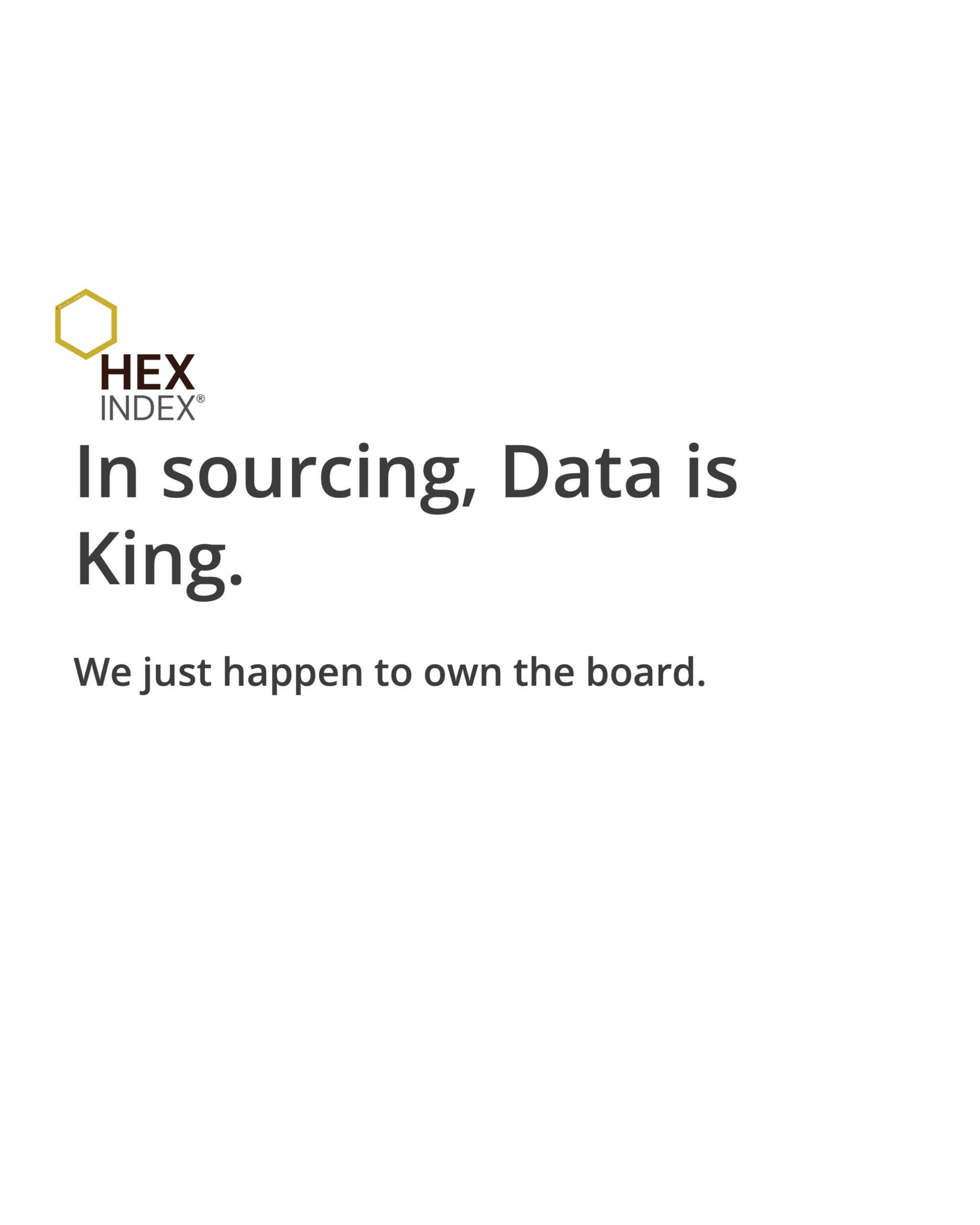
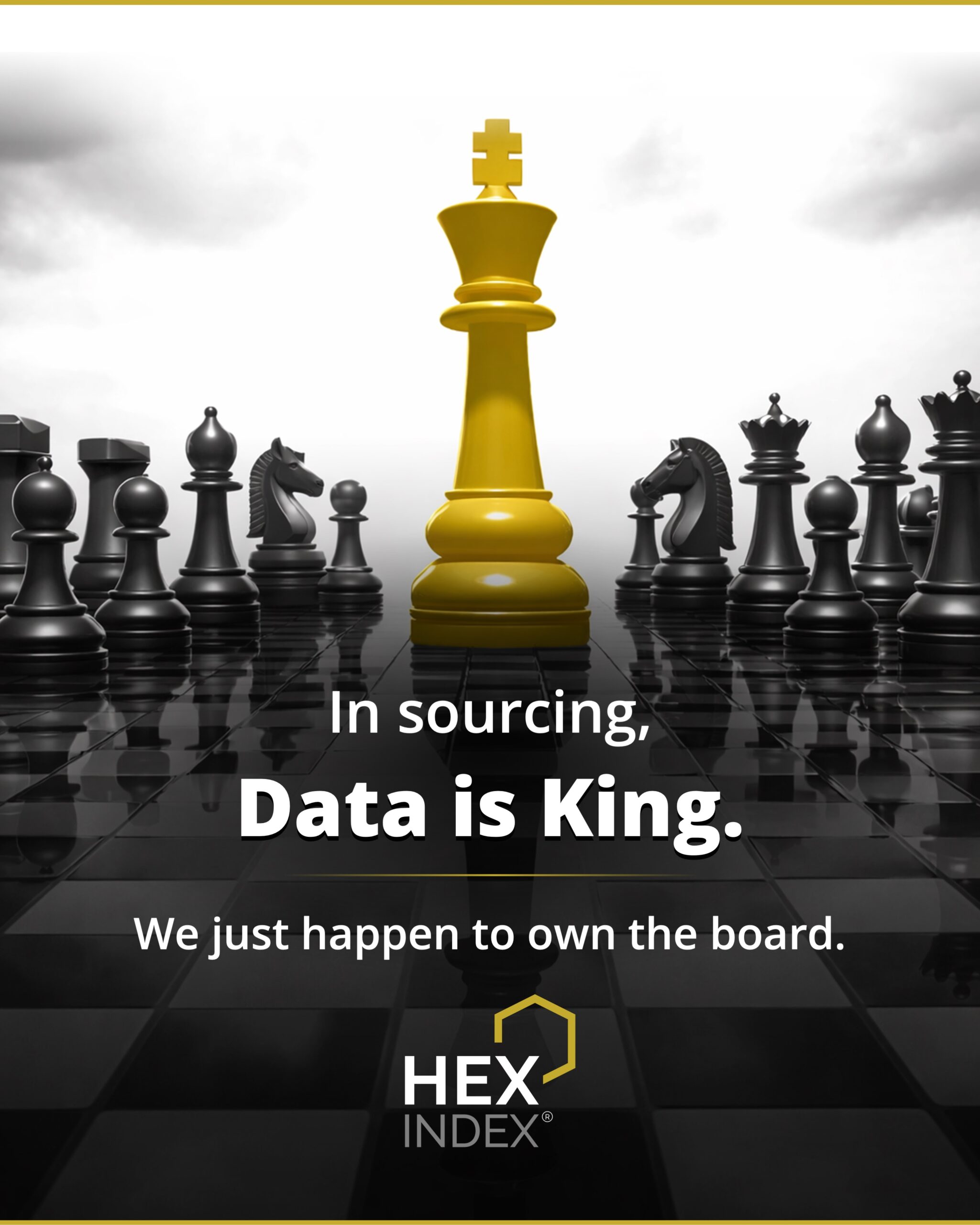
HEX Index, a sourcing intelligence platform, had a sharp line: “In sourcing, Data is King. We just happen to own the board.” The chess metaphor is strong. The original execution left it sitting flat on a white page. The redesign turned the metaphor into the image itself, with a gold king piece on a dark chessboard commanding the frame.
2. Making industry jargon land with personality
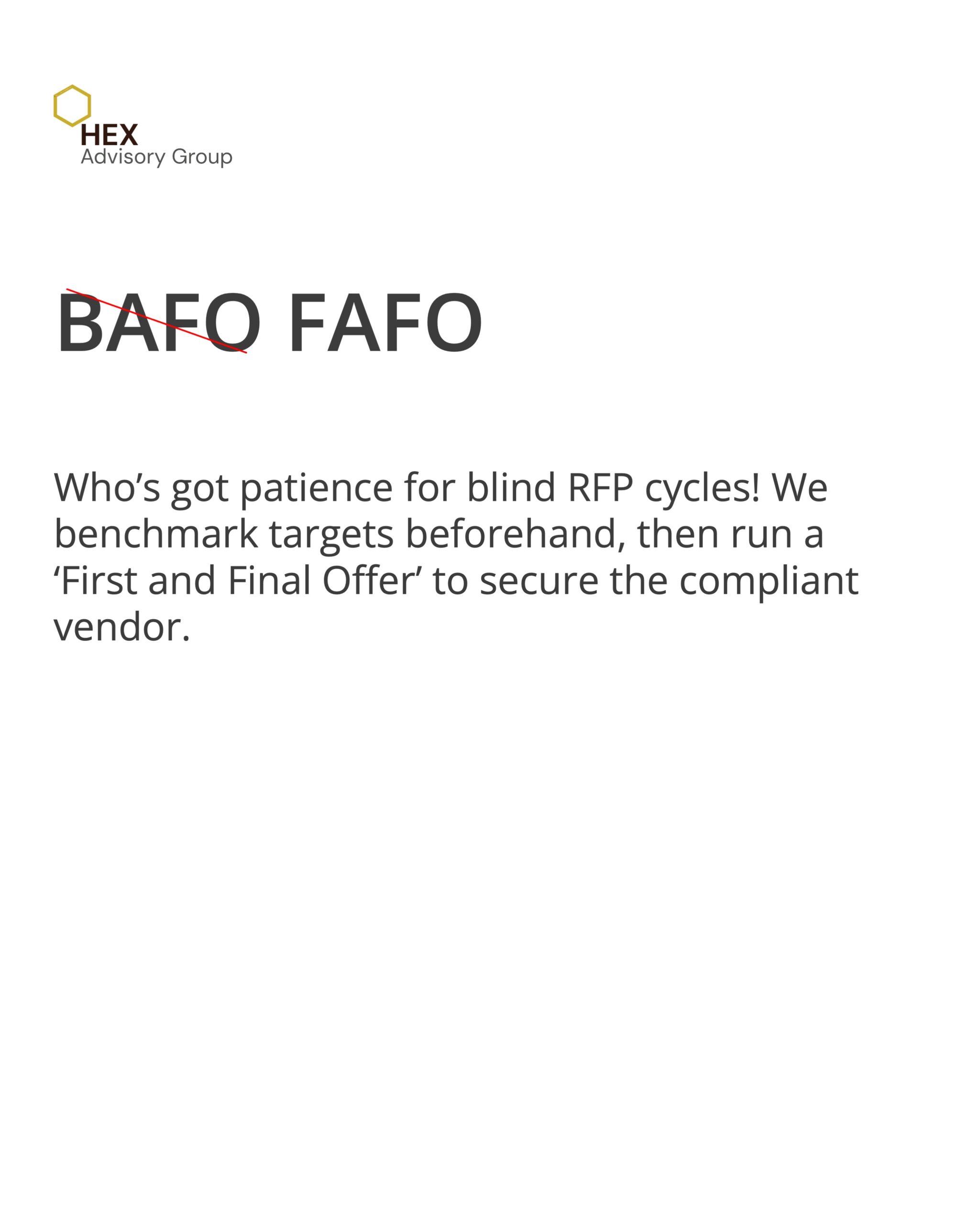
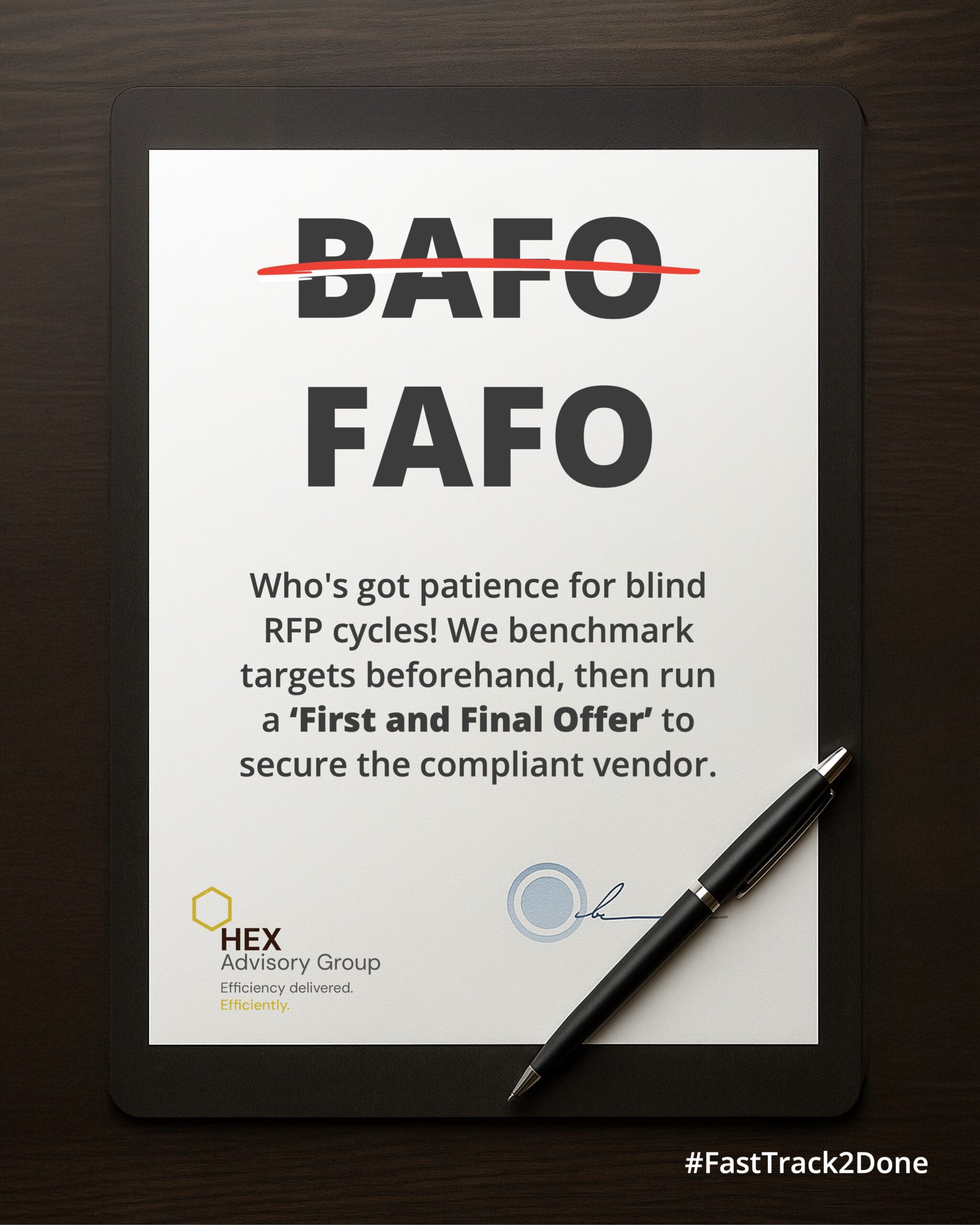
HEX Advisory Group had a post playing on BAFO (Best and Final Offer) vs FAFO, a procurement punchline for anyone deep in the space. The original text version made the joke but gave it nowhere to go. The redesign gave it a stage: a signed document on a dark desk, BAFO crossed out in red, FAFO standing firm below it. The hashtag #FastTrack2Done became the punchline seal.
3. Giving a big idea a frame it can hold
Str[AI]ght Talk had a carousel post about the democratization of AI, with the opening line: “GPT-5 isn’t always the answer. Fine-tuned, smaller models are.” The original had the series name, the topic, and the hook in clean text. The redesign added a visual metaphor of vehicles of different sizes moving through a city, from large trucks to a bicycle courier, making the “right-sized model for the job” idea tangible before a word is read.
![Str[AI]ght Talk AI democratization post, before Original carousel post for Str[AI]ght Talk on the democratization of AI, shown as clean text with the series name and hook.](https://qceptpresentations.com/blog/wp-content/uploads/2026/04/straight-talk-ai-democratization-linkedin-post-before-scaled.jpeg "straight-talk-ai-democratization-linkedin-post-before")
![Str[AI]ght Talk AI democratization post, after Redesigned post for Str[AI]ght Talk showing vehicles of different sizes, from trucks to a bicycle courier, to visualize right sized AI models for the job.](https://qceptpresentations.com/blog/wp-content/uploads/2026/04/straight-talk-ai-democratization-linkedin-post-after-scaled.jpeg "straight-talk-ai-democratization-linkedin-post-after")
4. Rescuing dense content from bullet-point mediocrity
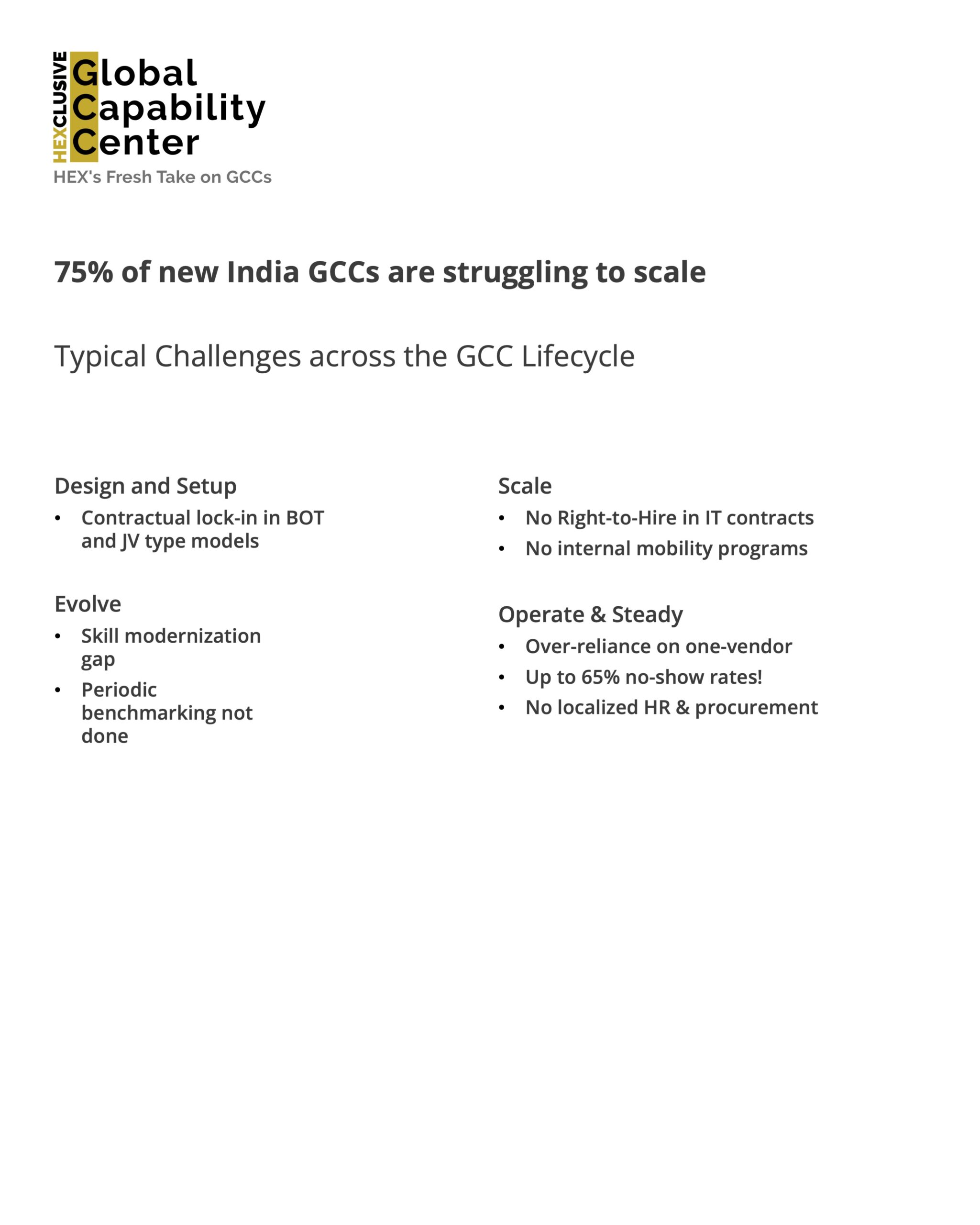
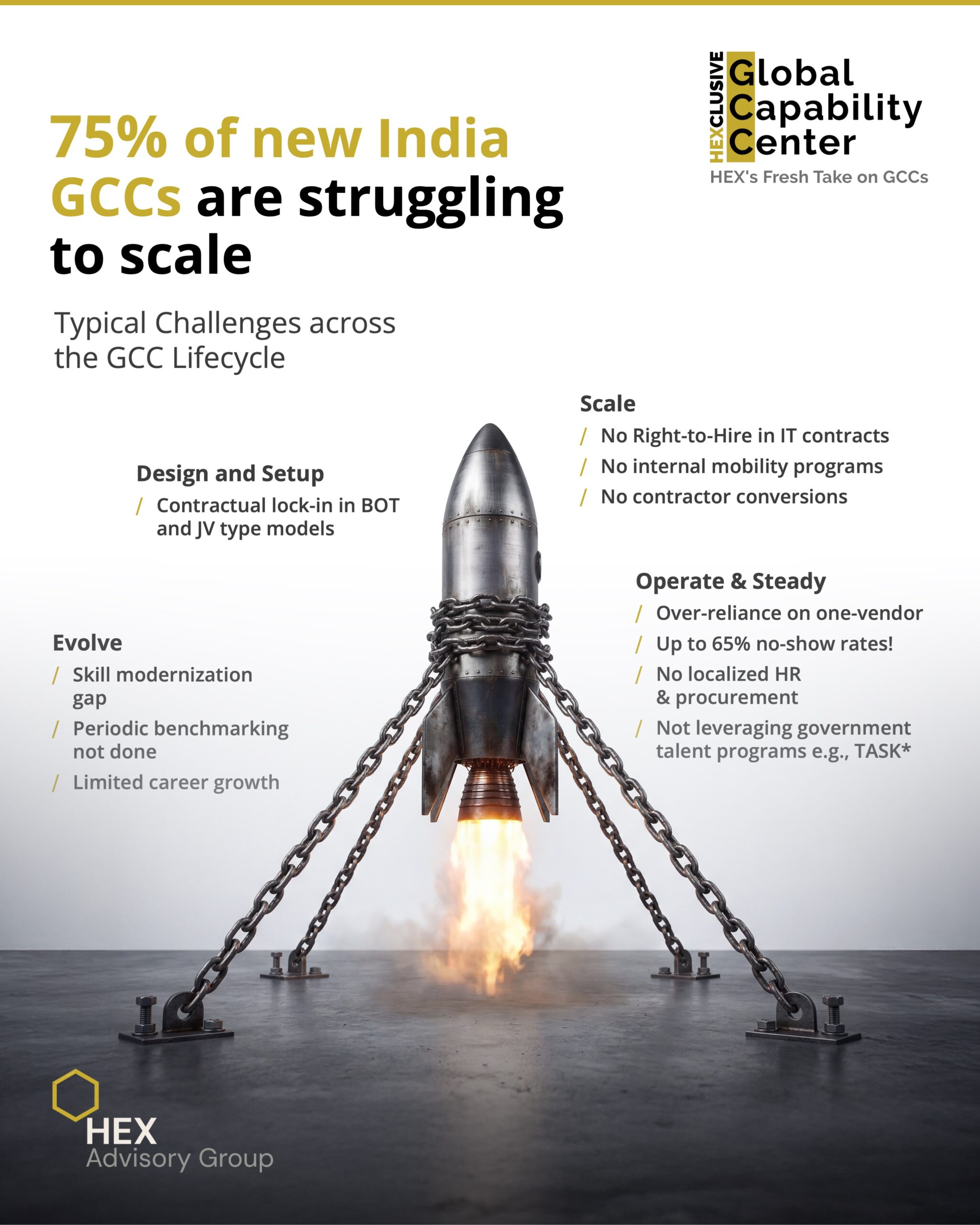
A GCC (Global Capability Center) post for HEX Advisory Group contained a strong data point: 75% of new India GCCs are struggling to scale. Backed by four lifecycle stages and specific challenge points, this was genuinely useful information. The original execution buried it in a standard bulleted list layout. The redesign turned the friction into the visual itself: a rocket straining against chains, barely launching.
5. Turning a provocation into a visual argument
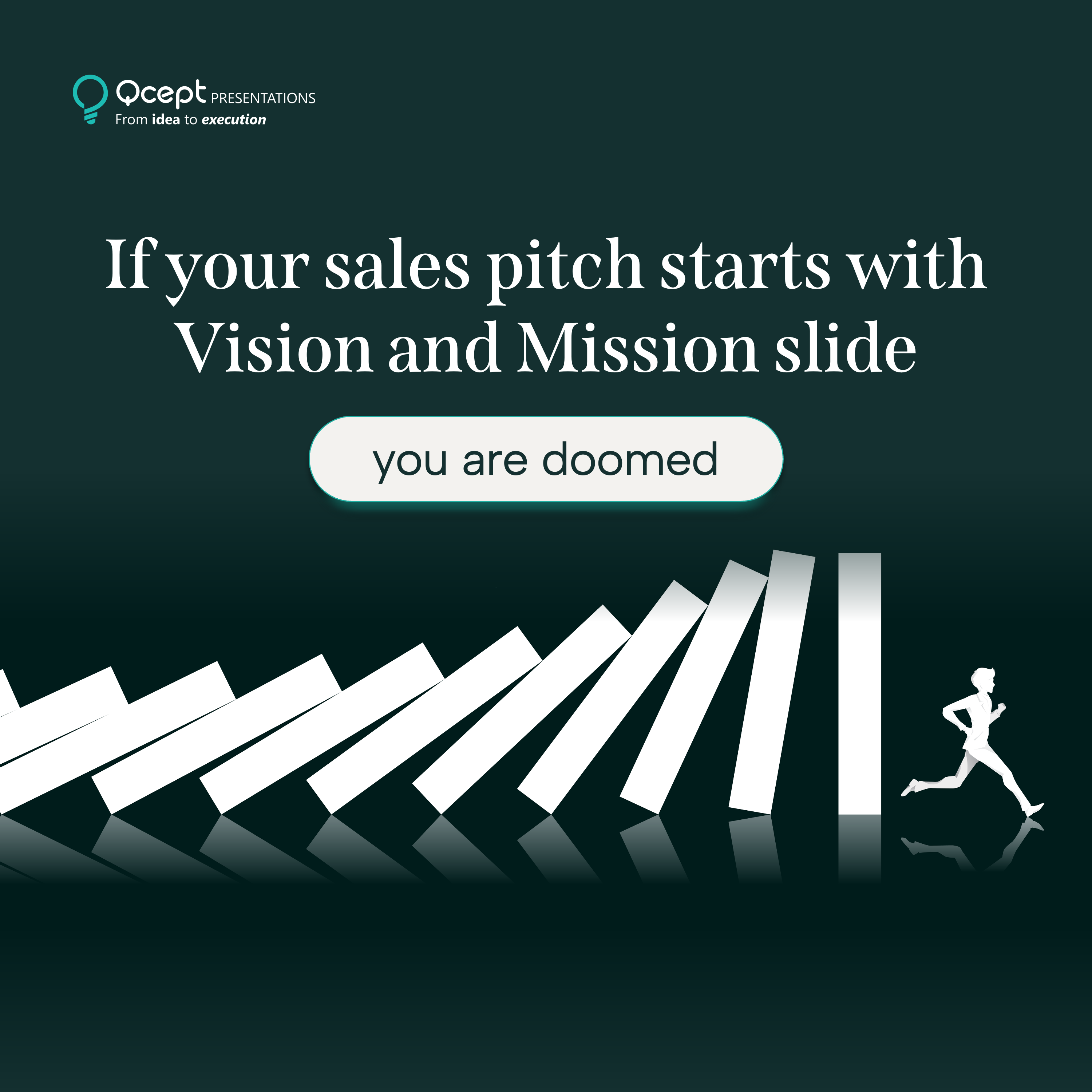
Qcept had a sharp line ready: “If your presentation starts with Vision and Mission slide, you are doomed.” It is a genuine provocation aimed at anyone who has sat through a bad pitch. The original had the statement in plain text on a white background. The redesign made it a scene: a figure running from a collapsing row of dominoes, with the word “doomed” in a pill-shaped callout that reads like the sound of something falling apart.


The design principles behind every transformation
Every before-and-after here is different in subject and style, but the same set of principles drives the decision-making underneath.
The image should do the explaining, not just illustrate
If your visual is decorative (a nice photo, a geometric background, a colored gradient) it is not working hard enough. The strongest B2B LinkedIn visuals make the idea visible before the reader reads a single word. The chess king owns the board. The chained rocket cannot launch. The dominoes are already falling. These are not decorations. They are arguments.
Hierarchy tells the reader where to go
Every post has one most important thing. Not two, not three. One. The typographic hierarchy of a good post drives the eye to that thing immediately, then allows the reader to absorb the rest in order. When everything is the same size and weight, nothing registers. When one element dominates, the reader has an anchor.
Brand consistency is not the same as brand rigidity
Using your brand color, logo, and typography consistently does not mean every post looks identical. Consistency is about recognition, not repetition. The HEX Advisory Group posts look unmistakably HEX, even though one is a dramatic chessboard and another is a signed document. The brand elements (gold accent, logo placement, font choice) do their job without constraining the visual idea.
Whitespace is not wasted space
B2B content teams are frequently tempted to fill every corner of the frame. More content equals more value, the thinking goes. It does not. Whitespace creates breathing room that makes the content that is there feel more intentional and more authoritative. Crowded posts look rushed. Considered posts look confident.
The format follows the platform, not the presentation
LinkedIn posts live in a feed. They are seen at thumbnail size before they are seen at full size. A design that only works when fully expanded is a design that has failed at the moment of first contact. Every post here was designed to stop the scroll at small scale, and then reward closer attention.
How Qcept approaches LinkedIn communication design
Qcept is not a social media agency and not a generic design shop. The team comes from a management consulting and strategic communication background, which means every design decision starts with a communication brief, not a visual reference.
For LinkedIn work specifically, the process starts with the message: what is the one thing this post needs a reader to take away? From there, the visual strategy follows. What format best serves this idea? What image, if any, earns its place in the frame? What typography creates the right authority signal for this brand and this audience?
The before-and-after format in this blog reflects how the actual work happens. A client comes with content, an idea, a draft. Qcept takes it through the communication design process and produces something that works in the feed, in the feed thumbnail, and in the reader’s memory.
If you are a consulting, advisory, or research firm that wants your LinkedIn content to look and read like it came from a firm of your caliber, start by looking at what your current posts actually communicate to someone who has never heard of you.
Questions we hear often
We use storytelling and design to build high impact presentations for leading brands
PowerPoint design
services and outsourcing
Enterprises, analysts, consultants
Investor pitches
and fundraising narrative
Founders, fund managers
Sales presentations, proposals, and collaterals
Sales & marketing teams
PowerPoint template and visual slide bank
Enterprises, advisory & research firms
CXO presentations
and thought leadership
IT-BPO services & consulting firms
Financial, ESG,
and annual reports
Financial services, large enterprises
Training – PowerPoint design and visualization
Sales team, analysts, consultants
Conference and event presentations
Keynote speakers, event managers